EN
EN  ES
ES  FR
FR  DE
DE  AR
AR  PT
PT  RU
RU  JA
JA  IT
IT  KO
KO  TR
TR  NL
NL  PL
PL  ZH
ZH 
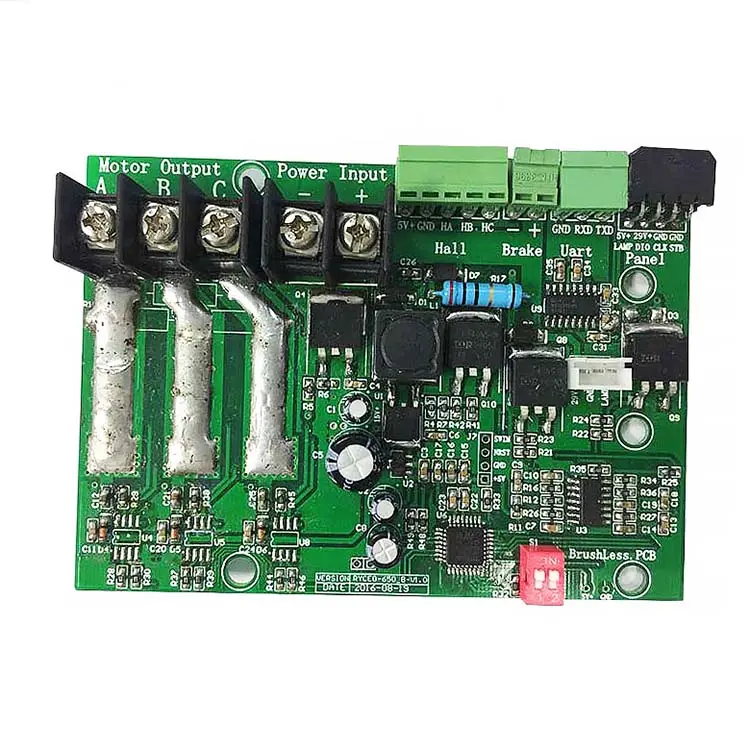
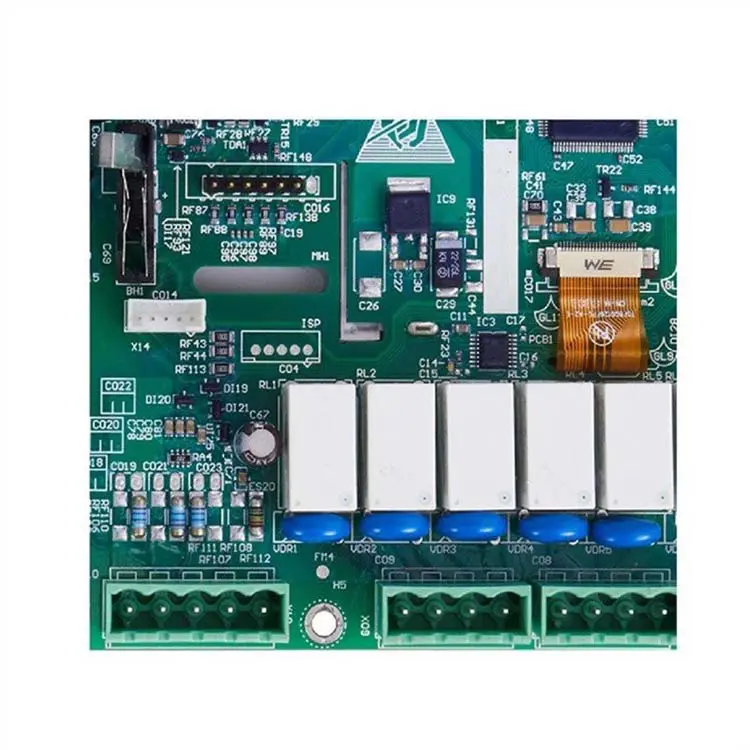
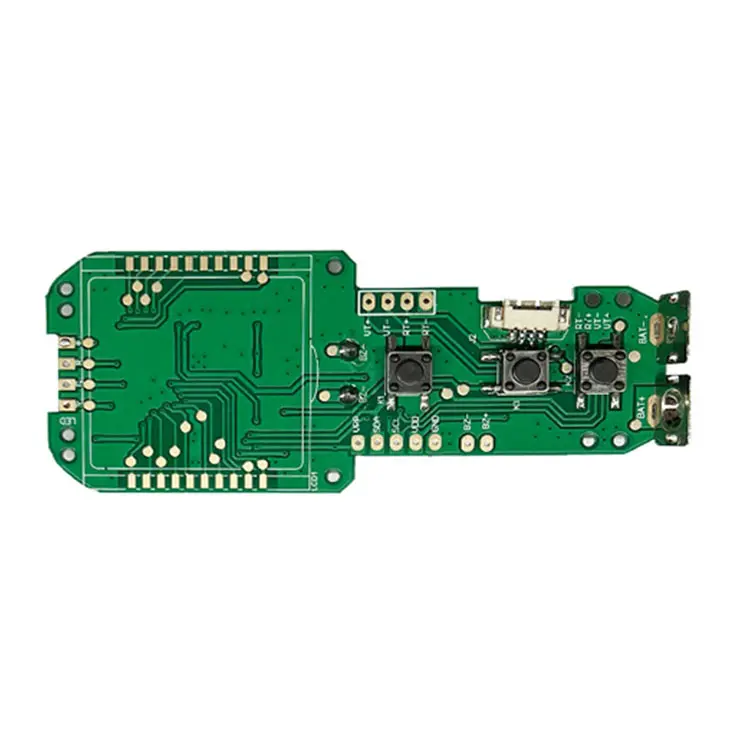
Gorzim’s Smart Fingerprint Padlock Circuit Board delivers a modern, secure solution that integrates fingerprint recognition technology with ease of use. This advanced circuit board supports fast, accurate fingerprint identification, replacing the need for traditional keys. Ideal for securing personal items, lockers, or access points, it combines convenience and high-end security features. With customizable solutions, Gorzim ensures superior performance and reliability for all applications.
Specifications and Parameters of the Fingerprint Padlock Circuit Board
- Supports 360° fingerprint recognition in any direction
- 96×96 sensor matrix with 508DPI resolution
- ESD protection: +/-12kV air, +/-8kV contact
- False Rejection Rate (FRR): <1%
- False Acceptance Rate (FAR): <0.002%
- Recognition time: Less than 300 milliseconds
Fingerprint Padlock Circuit Board Features
- Supports up to 5 fingerprint entries.
- Stores a maximum of 40 fingerprints.
- The first two registered fingerprints serve as management fingerprints.
- In factory mode, any fingerprint can unlock the padlock.
- Low battery notification: After unlocking, the buzzer sounds, and a yellow light signals that charging is needed.
- Standby current: 23uA; working current without motor: 3mA. A 300mAh polymer lithium battery can last up to 2 years or provide up to 2,500 unlocks.


Fingerprint Registration Process
To register a fingerprint, press and hold the fingerprint sensor for 3-6 seconds. The buzzer will sound once, and the blue light will remain on. Release your finger and verify the management fingerprint (in factory mode, any fingerprint will pass). Once verified, the blue light flashes, entering fingerprint registration mode. Failed verification will cause the red light to flash twice, and the buzzer will sound twice. Five consecutive failed attempts will exit the current mode.
- In registration mode, place your finger on the sensor. Once recognized, the buzzer will sound, and you can remove your finger. After five successful entries, the green light will turn on for 1 second, and the buzzer will sound for 1 second, signaling that registration is complete. If registration fails, the red light flashes twice, and the buzzer will sound twice. The mode times out after 10 seconds of inactivity.
Clearing the Fingerprint Database
- To clear all fingerprints, press and hold the sensor for 6-10 seconds. The buzzer will sound once, and the red light will stay on. Release your finger, then verify the management fingerprint. If verified, the green light will turn on for 1 second, and the buzzer will sound for 1 second, clearing the fingerprint database. The padlock will return to factory mode. Failed verification will cause the red light to flash twice, and the buzzer will sound twice. Five failed attempts will exit to standby mode.