EN
EN  ES
ES  FR
FR  DE
DE  AR
AR  PT
PT  RU
RU  JA
JA  IT
IT  KO
KO  TR
TR  NL
NL  PL
PL  ZH
ZH 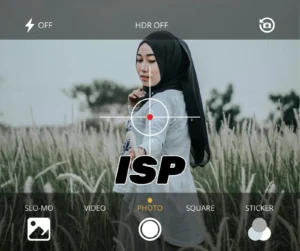




Summary
The Real-Time ISP (Image Signal Processor) Parameter Tuning System empowers engineers to dynamically adjust imaging parameters on a live video feed, drastically improving image quality without interrupting the preview. Leveraging low-latency transport, hardware-accelerated pipelines, and a synchronized dual-view comparison interface, this solution is ideal for applications such as surveillance, industrial inspection, and autonomous systems.
1. Introduction
Modern imaging applications demand flexibility to fine-tune brightness, contrast, sharpness, and noise reduction in real time. Traditional offline adjustment workflows are time-consuming and hinder rapid prototyping. Our system integrates a PC control dashboard with an embedded Hi3516 development board and a camera sensor, forming a closed-loop pipeline for on-the-fly ISP optimization.
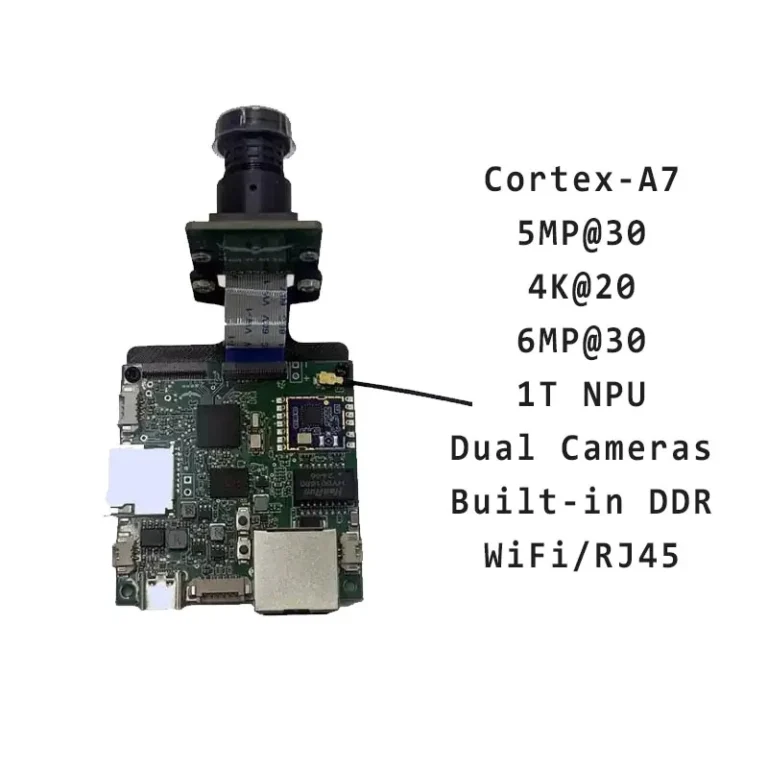
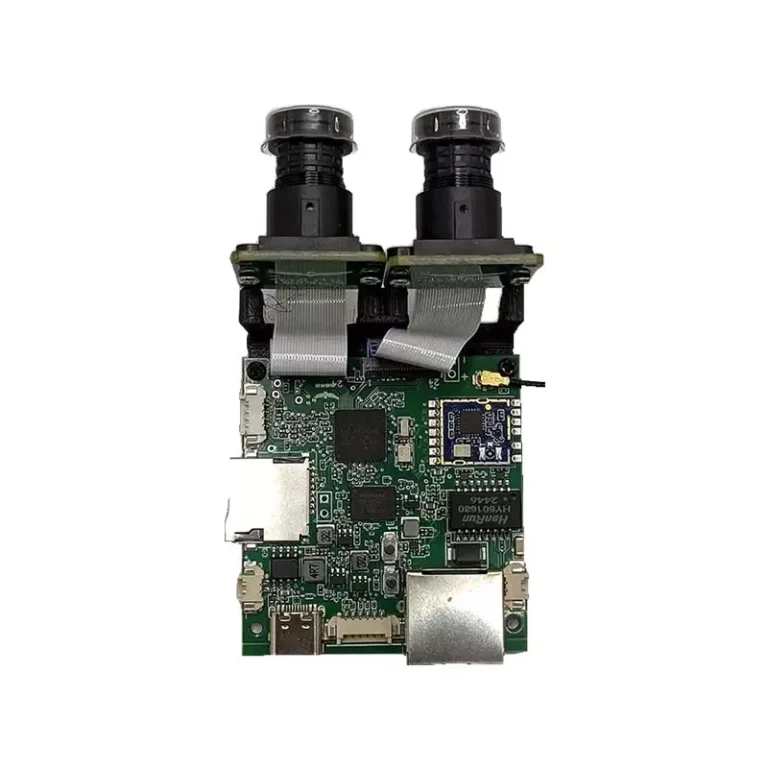
👉 Explore the Hi3516CV610 Edge AI IPC Board for Smart Vision — the ideal hardware platform powering this solution.
2. System Architecture
2.1 Data Flow
- Command Transmission: Control commands are sent from the PC to the development board via ZeroMQ over USB or Ethernet.
- Hardware Processing: The Hi3516’s IVE accelerator applies the updated ISP parameters at line rate.
- Live Feedback: Processed frames are streamed back to the PC and displayed side-by-side with the original feed.
3. Core Components
| Component | Implementation | Performance Metric |
|---|---|---|
| Parameter Transport | ZeroMQ Message Queue | <50 ms round-trip |
| Image Processing | IVE Hardware Accelerator | Frame-synchronous |
| Comparison Engine | Dual-view Picture-in-Picture | <1 frame sync error |
4. Real-Time Tuning Workflow
- Launch Tuner Service
- Adjust Parameters via API
- Observe Live Comparison
- Left Pane: Original camera feed
- Right Pane: ISP-adjusted feed with highlighted changes
5. Practical Parameter Table
| Parameter | Range | Step Size | Visual Impact |
|---|---|---|---|
| Gamma Strength | 0.5 – 1.5 | 0.1 | Shadow detail / overall contrast |
| Sharpness | 0 – 100 | 5 | Edge clarity / noise amplification |
| Denoise Level | 0 – 3 | 1 | Detail preservation / noise removal |
6. Deployment to Production
- Export Tuned Configuration
- Flash to Device
- Verify on Target
7. Tips and Best Practices
- Rapid View Switching: Use Ctrl + Mouse Wheel to zoom in/out or toggle overlays.
- Preset Management: Store up to 10 presets for quick parameter recall.
- Objective Assessment: Employ histograms and test charts under controlled lighting.
Warning: Dynamic tuning consumes ~15% of NPU resources. Avoid intense color matrix changes in low-light to prevent color shifts.
8. Conclusion
By integrating real-time ISP tuning capabilities, engineers can accelerate development cycles, validate imaging adjustments immediately, and ensure consistent quality across production units. Our solution provides the flexibility and performance required for cutting-edge vision applications.
For customized ISP tuning solutions tailored to your project, contact Gorzim’s expert team.